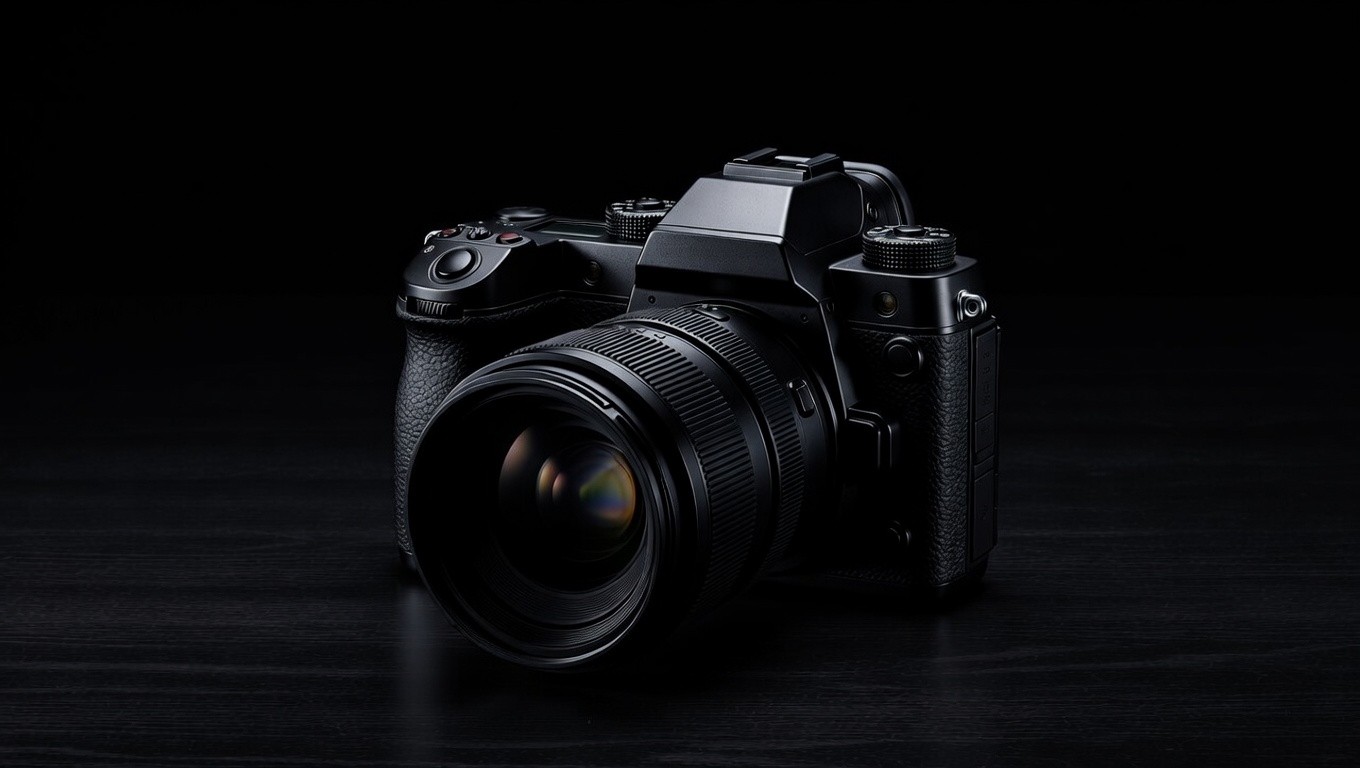
What's the best camera for every budget?
Budget: Sony ZV-1. Mid range: Sony ZV-E10. Premium: Sony FX30. Sony's ecosystem is consistent, reliable, and the footage translates beautifully to social media.
Mirrorless vs. DSLR vs. webcam vs. phone—what should I use?
Phone (iPhone) for budget and speed. DSLR or mirrorless for quality and cinematic output. Never a webcam—the quality gap is significant, and you have limited control over settings and positioning.
Does full frame vs. crop sensor matter for studio content?
Not for a home studio. The Sony FX30 is a crop sensor camera and it's my top recommendation. What matters is your lens and your lighting—not sensor size.
What does sensor size actually affect?
Sensor size determines how much light the camera can capture at a given exposure. Larger sensors perform better in low light. For a well-lit studio, it's largely irrelevant.
What capture card should I use?
Elgato Cam Link 4K. Simple, reliable, and widely compatible with OBS and most streaming setups.
What is clean HDMI output and why does it matter?
Clean HDMI means the camera sends a signal to your capture card without on-screen overlays like battery indicators, focus boxes, or exposure readouts cluttering the frame. The Cam Link 4K paired with a compatible Sony camera gives you this out of the box.
HDMI vs. USB capture—which should I use?
HDMI outputs 4K (with Cam liNK) but can occasionally buffer in OBS. USB outputs at 1080p but runs smoother and more reliably. Choose based on your priority: maximum quality or maximum stability. I’m using 1080p for Instagram, LinkedIn vertical content & recording at 4k for YouTube.
Do I need an external monitor?
Yes, especially if your camera is on a tripod. An external monitor lets you see your frame clearly without walking back and forth to check the built-in screen.
Dummy battery vs. AC adapter for continuous power?
USB power works for continuous operation in some cameras. If you're outputting via HDMI, you'll likely need a dummy battery—HDMI output can conflict with USB charging on certain Sony models.
What's the quality gap between a webcam and a dedicated camera?
Massive. A dedicated camera gives you control over depth of field, color profile, frame rate, and lens choice. A webcam gives you none of that. Never use a webcam for professional content.
What camera settings should I use?
ISO: as low as possible to achieve clean, noise-free video—typically 100 to 800 in a well-lit studio. Resolution: 4K if your camera supports it, though 1080p is still the social media standard. Shutter speed: always 2x your frame rate—if shooting at 30fps, set shutter to 1/60.
What frame rate should I shoot at?
30fps for all studio content. It's the standard for social media and video calls. 24fps is cinematic but can feel slightly slow for talking head content. 60fps is for action or slow-motion only.
How do I achieve background blur (bokeh)?
Lower your lens aperture (f-stop). An f/1.8 to f/2.8 lens will give you beautiful background separation. The higher the f-stop number, the less blur. Pair a wide aperture with distance between yourself and your background for maximum effect.
Do I need ND filters for studio content?
No. ND filters are for managing natural light outdoors. In a controlled studio environment with artificial lighting, they're unnecessary.
What lens should I use?
12mm for a wider look that captures your background and environment. 28mm for tighter, close-up shots that emphasize your face and upper body. The choice depends on the story you're telling with the frame.
What camera mount is best?
A heavy duty tripod is the most stable and reliable option. Camera stability is non-negotiable—fidgeting with cheap gear mid-recording kills the professionalism of your content.
Do I need a teleprompter?
If you need one, the Elgato Teleprompter is the standard. That said, scripted delivery can feel robotic—use it as a guide, not a crutch.
When do I need a two-camera setup?
Primarily for interviews and podcasts. For solo content, a single well-placed camera is all you need.
How do I prevent my camera from overheating on long recordings?
The Sony FX30 was designed for extended recording and handles heat better than most cameras at its price point. It's one of the primary reasons I recommend it for studio builds.
How does color balance work?
Use the picture profiles built into your camera. Sony's S-Cinetone or a flat picture profile gives you a clean, neutral starting point that's easy to adjust or leave as-is for social media.
What's the difference between color grading and color correction?
Color correction fixes problems—it makes footage look accurate and neutral. Color grading adds style—it gives your footage a specific mood or aesthetic. Correction always comes first.
What are LUTs and do I need them?
LUTs (Look Up Tables) are preset color grades you apply to footage. I use standard camera profiles or make light manual adjustments—I don't rely heavily on LUTs. If you're new to color work, start with your camera's built-in profile and adjust brightness and contrast to taste.
What's the correct camera angle and distance?
Position your camera opposite your key light—if your light is at 2 o'clock, your camera goes at 10 o'clock. Keep the camera 3 to 5 feet from your face.
How do I use eye contact and camera placement to build trust?
Place your camera lens at exactly eye level—use your camera's grid overlay to confirm it. Looking slightly up or down at camera creates subtle power imbalances in how you're perceived. Level is neutral and trustworthy.